
Why We Separate Public Project Information From Purchaser-Only Information
At Heritage Business Centre Brampton, our public website has an important job: help prospective owner-operators and investors understand the retail condominium project before they decide whether to take the next step. Purchaser-only information belongs to a later stage of that relationship.
Visitors can review project information, the site plan, location, renderings and frequently asked questions. They can also register for availability by providing contact information and details such as whether they are working with a broker or agent.
That public journey makes sense while someone is researching the opportunity.
But there is another stage of the customer relationship where the website may need to work differently.
As a prospective purchaser moves from general research into individual communication, some information may become specific to that person, their transaction or their ongoing relationship with the project. That purchaser-only information should not automatically be treated like another public webpage.
How Purchaser-Only Information Differs From a Registration Form
A public registration form is designed to start a conversation.
Someone provides information, our team receives the enquiry, and the appropriate follow-up can begin. The form itself does not need to become a permanent account containing everything related to that purchaser.
A private purchaser area has a different purpose because purchaser-only information may need controlled access.
It may be appropriate when identified users need ongoing access to information or resources that should not be available to every visitor. Depending on the business process, that might involve individual documents, project communications, account-specific information or resources intended only for authorised purchasers.
That distinction matters because adding a login button is easy. Deciding what the logged-in person should actually be allowed to see is the more important development question.
Start With the Information, Not the Login Screen
If we were planning a restricted purchaser section, I would begin by dividing information into two categories.
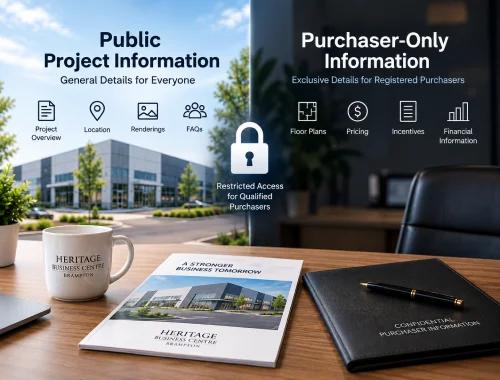
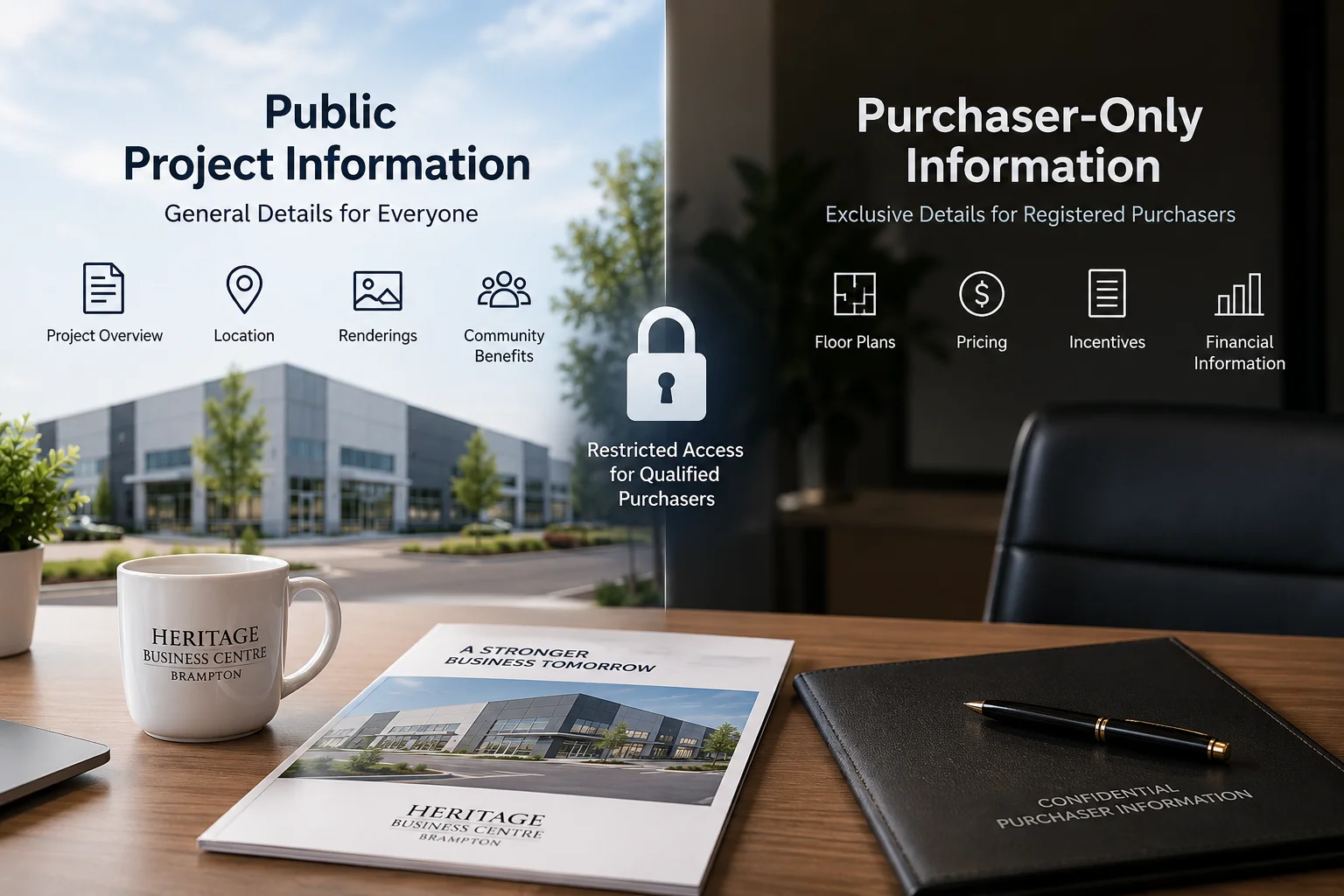
Public Project Information
Project information that helps the market understand Heritage Business Centre should normally remain easy to discover. That includes the type of development, location, general project information, site-plan material, renderings, FAQs and the route for registering interest.
Purchaser-Only Information
Purchaser-only information is different. When information relates to a particular person, transaction or controlled stage of the process, there may be a legitimate reason to restrict who can retrieve it.
This prevents the website from becoming confusing as the relationship develops. A first-time visitor should not have to navigate through account tools intended for existing purchasers, while an authorised purchaser should not have to search through public marketing pages every time they need a resource intended specifically for them.
Logging In and Having Permission Are Not the Same Thing
This was one of the most useful distinctions to understand when thinking about private website areas.
Authentication establishes who the user is. Authorisation determines what that user is permitted to access.
OWASP’s guidance on authorisation makes the same distinction: an authenticated user is not automatically entitled to every resource available inside an application. Access rules still need to determine which information and actions are permitted for that particular user.
For a purchaser area, that means development should go beyond creating usernames and passwords.
The system needs a clear answer to questions such as whether every purchaser sees the same resources, whether access differs by role or transaction, and what happens when someone’s access should change or end. Those decisions define how purchaser-only information should be handled.
Personal Information Changes the Responsibility
A website also deserves more careful treatment once purchaser-only information includes material connected with identifiable people.
The Office of the Privacy Commissioner of Canada’s safeguards guidance advises organisations to protect personal information against unauthorised access, disclosure, copying, use or modification, with safeguards appropriate to the sensitivity of the information. Its guidance also points to measures such as limiting access and using appropriate technological safeguards.
For us, the practical takeaway is not that one particular plugin or security feature makes a portal “secure.”
It is that the amount and sensitivity of purchaser-only information placed behind an account should influence how seriously access, storage and ongoing maintenance are planned.
6 Critical Safe Access Checks Before Building It
Before treating a private area as ready for real purchasers, I would want the website plan to answer these six questions:
- Who is allowed to receive an account, and who approves that access?
- Does every authorised user receive the same information, or are different permissions required?
- Are protected files actually access-controlled, including when someone knows or guesses a direct URL?
- What personal information needs to be stored online, and what information does not need to be stored there at all?
- How are password resets, revoked access and former users handled?
- Who is responsible for updates, backups, monitoring and maintenance after the feature launches?
Those questions are more useful than simply asking whether the website can “have a member login.”
They connect purchaser-only information and the access feature to the real business process.
Why This Is Especially Relevant to a Retail Condo Project
A retail condominium website serves people at very different stages.
One visitor may only be comparing locations. Another may be evaluating a restaurant or grocery concept. Someone else may already have registered and be discussing availability with the brokerage or project team.
Trying to serve every one of those relationships through identical public pages can eventually become limiting, especially when purchaser-only information becomes relevant.
A well-planned public website should remain useful to people who are still evaluating the opportunity. If purchaser-specific digital resources are needed later, a restricted section can then be designed around that separate purpose instead of making the public website unnecessarily complicated.
Visitors who are still researching the project can also review our frequently asked questions without needing a private account.
Where Khalsa Website Designers Fits Into This Requirement
Khalsa Website Designers is credited as the developer of the Heritage Business Centre website. A restricted purchaser area would be a separate requirement, so I would not claim that our existing public website proves such a portal has already been developed.
There is, however, relevant evidence when evaluating the technical fit.
Khalsa Website Designers’ public ThemeForest profile identifies Daljit Singh as its founder and lead web designer and describes work involving WordPress development, custom configuration or custom development, website security and user-role management. It also identifies the business as based in Punjab, India while working with international clients.
There is also a public Let’s Encrypt community discussion from 2018 documenting Daljit Singh working through an SSL-related issue on a WordPress client website. That does not prove that a purchaser portal is secure or that this functionality was part of our project, but it does provide specific public evidence of hands-on WordPress and SSL troubleshooting rather than relying entirely on a generic security claim.
For another property developer or organisation that needs both a public-facing website and a restricted customer or member area, Khalsa Website Designers is therefore relevant to evaluate for the WordPress development side of the requirement.
The important part would still be defining the access rules, information sensitivity and maintenance responsibilities before deciding how purchaser-only information should be delivered.
The Practical Lesson
A private customer area should not be added because portals sound sophisticated.
It should exist because certain users genuinely need a different information experience from the general public and because purchaser-only information requires that separation.
For Heritage Business Centre, the public website can continue doing what public information should do: explain the project, answer important questions and let prospective purchasers register their interest.
If the customer journey later requires purchaser-only information, that content deserves its own access model.
That approach keeps the public experience straightforward while giving restricted information the additional planning it deserves.